Hero image

EA (Electronic Arts)

Creating game states and simplifying the game tile system

Contributions

  • Problem identification
  • Application analysis
  • Competitive analysis
  • UX/UI design

Project Type

  • Internship
  • Individual project

Time

  • 8 weeks

Tools

  • Figma
  • Miro

Overview

Introduction

EA is one of the largest gaming companies in the world, including games such as Apex Legends, The Sims 4, and It Takes Two. During my 4 month internship, I worked on the EA App, a PC platform for players to download and manage their games, as well as connect with other players across platforms.

Problem

Game tiles are presented at the same level of importance in the discovery setting.

Problem Identification

Through user research, we identified that noveltiy is one the main motivators for game purchases. However, users cannot recognize the status of the game or their ownership to a game. This creates a design opportunity to draw increased attention to specific titles in a discovery setting.

Solution

skip to solution

Created new and improved game states to assist users in making purchasing decisions more quickly and efficiently.
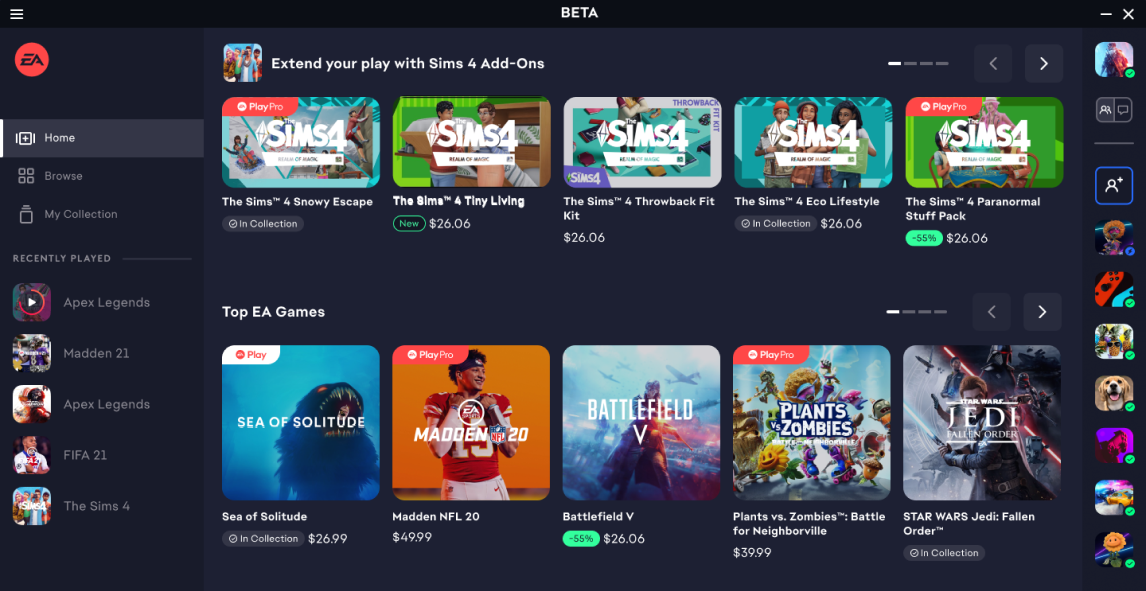
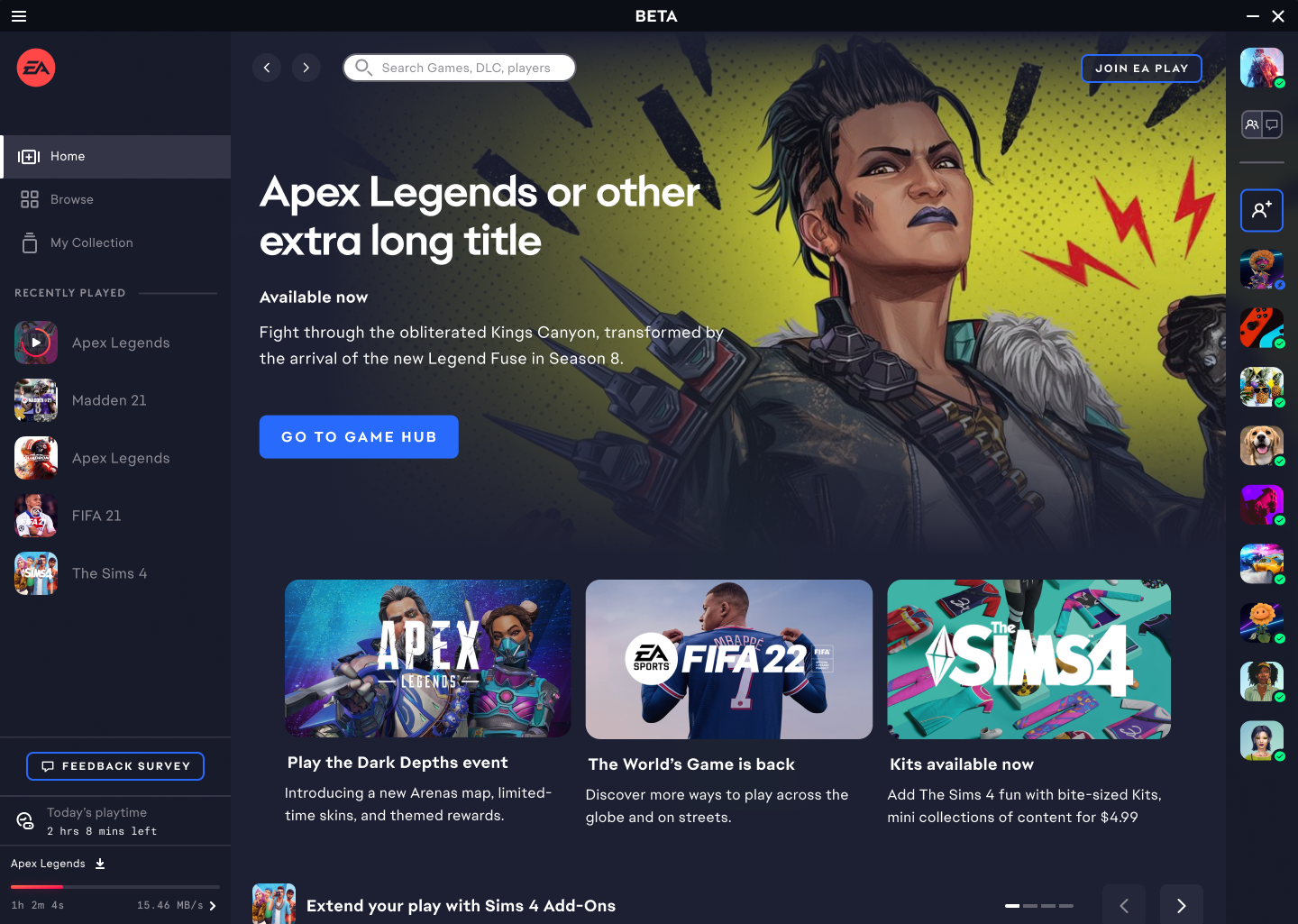
Image of EA application

Context

EA Application

The EA App is a windows application for players to download, update and manage their games.

Throughout the application, game tiles can be found displaying essential information such as the image of the game, price, and membership type.

Image of EA application

Design Process

Problem Discovery

Pt 1. Problem identification

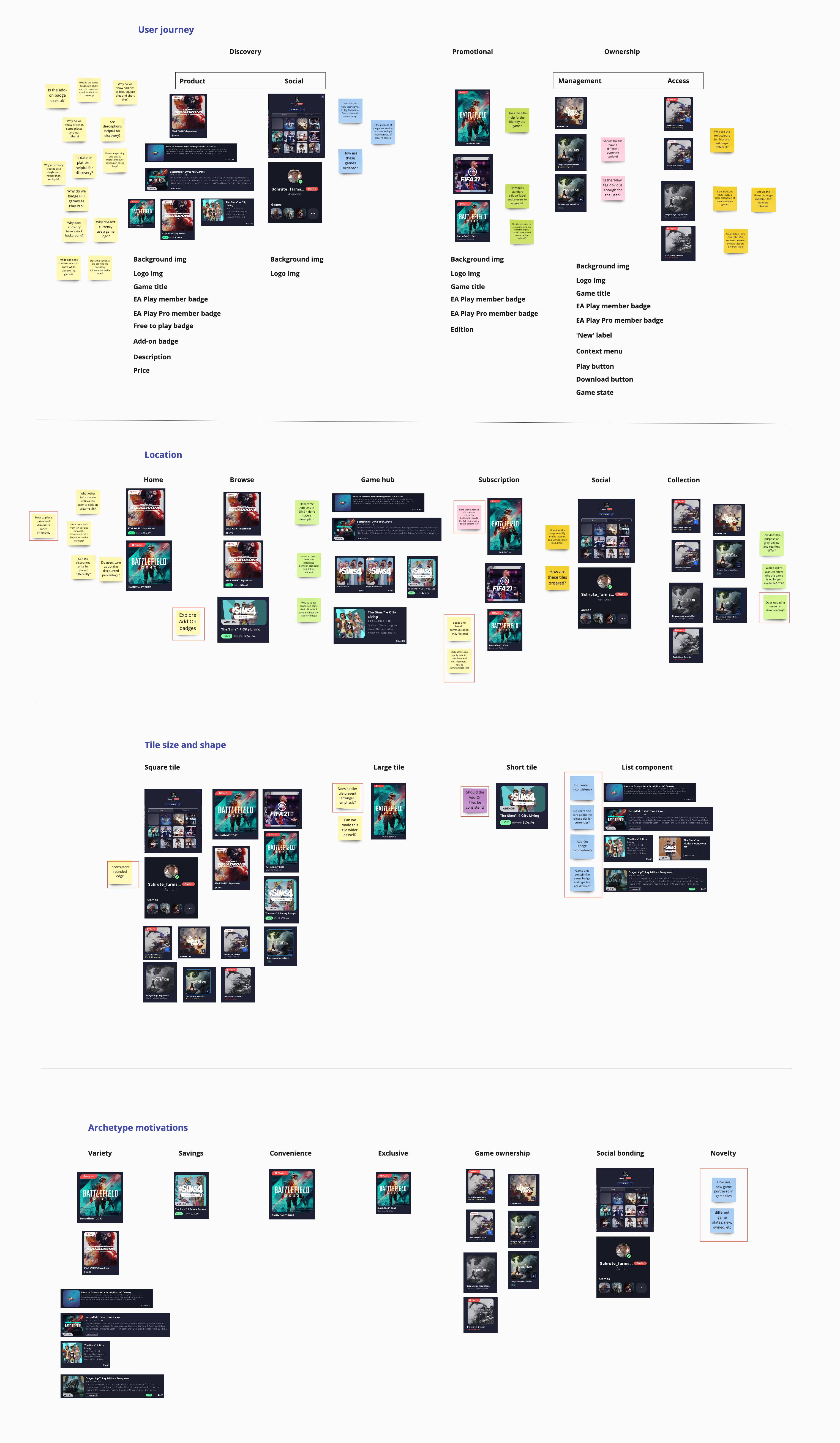
To familiarize myself with game tiles and the application, I conducted an audit and identified potential inconsistencies and gaps.

Findings:

  • New games are not portrayed in game tiles.
  • Can we place price and discounts more effectively?
  • How should Add-on tiles be consistent?
  • Content in lists are used inconsistently.
Image of problem discovery

Pt 2. Problem prioritization

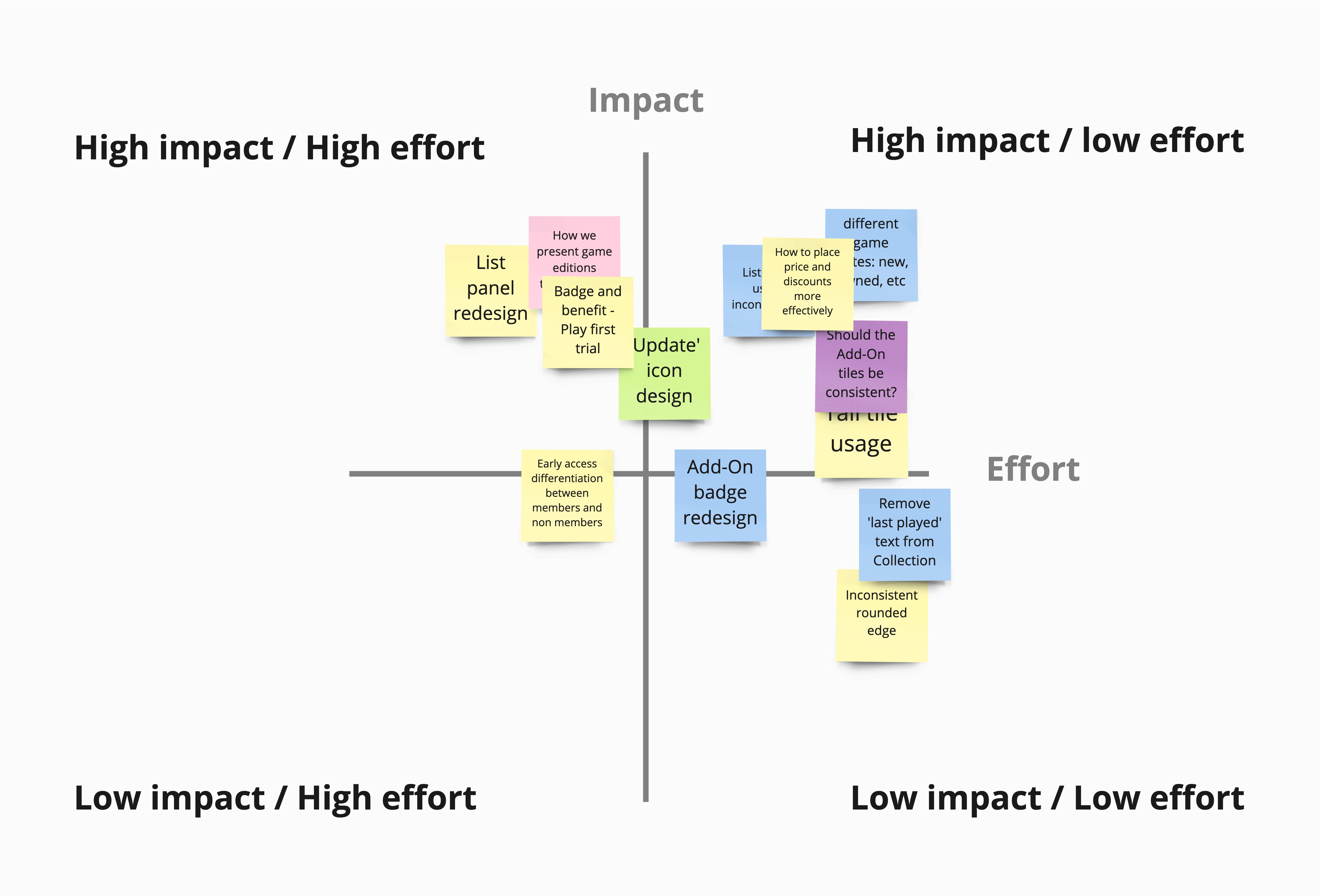
Through the organization of problems from highest impact to least effort we determined which problems to focus on.

Focus Areas

How might we...

  1. Present different game states?

  2. Place price and discounts more effectively?

  3. Re-imagine a consistent Add-on tile design?

User Research

Leading question: How might we present different game states?

Competitive Analysis

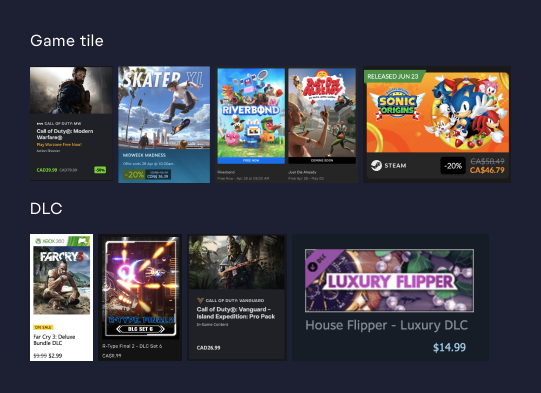
Goal: How do competitors present different states, balance content copy, and differentiate between games and DLC (game add-ons)?

Findings

  • States are identified through badges, banners, or labels
  • DLC identified within an image, title, secondary text, or badges
  • Some apps have categorized or filtered pages: new, top seller, top-rated, upcoming, etc
Image of competitive anlysis
Applications analyzed: Xbox Games, Epic Games, Battlenet, Steam and Fanatical.

Design Space

How might we present different game states while leveraging and minimizing existing design systems?

Existing Design Patterns

Current Design

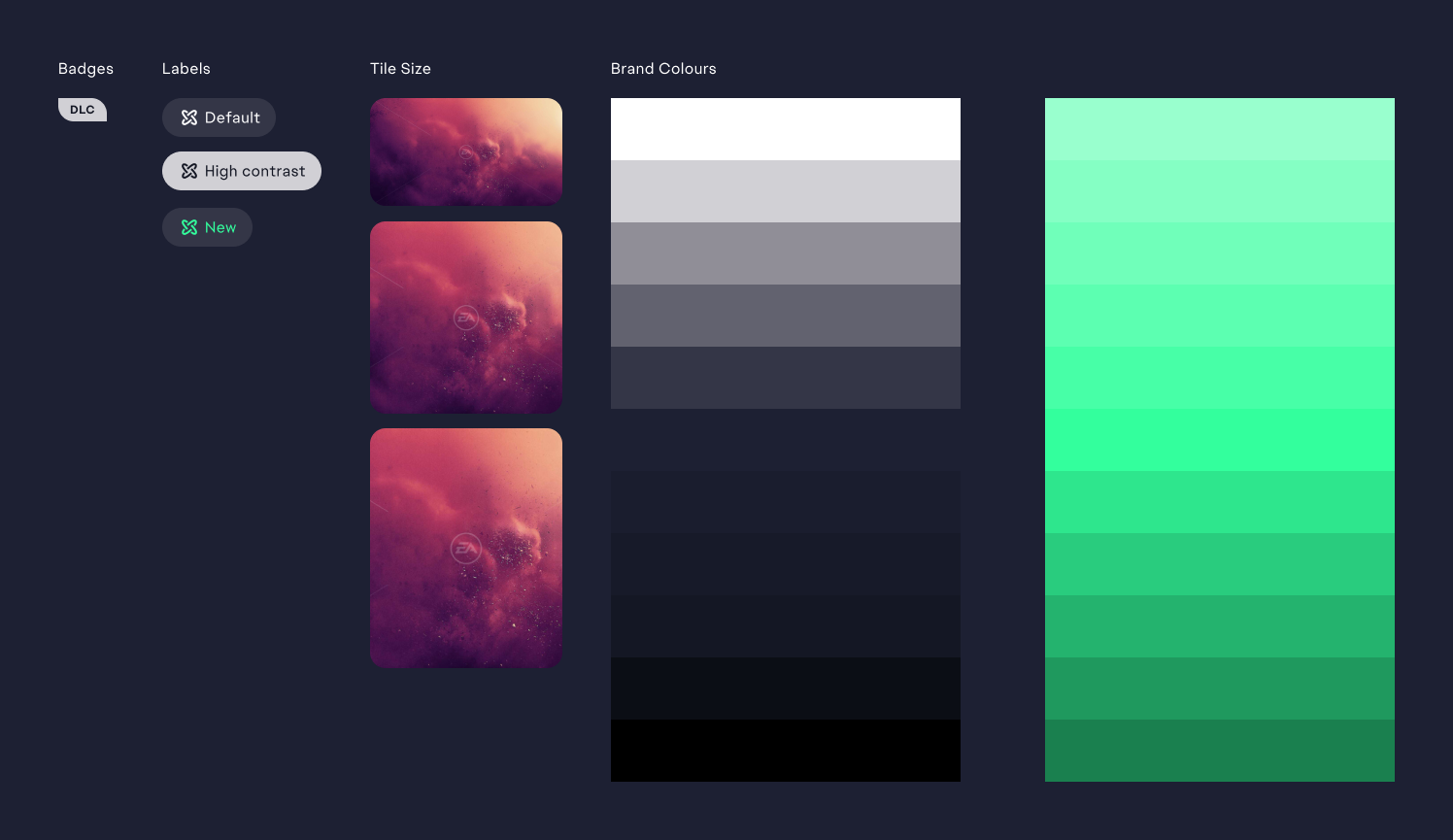
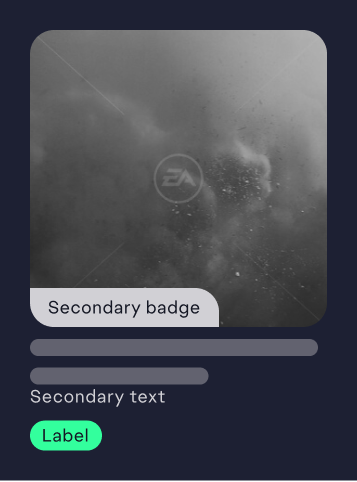
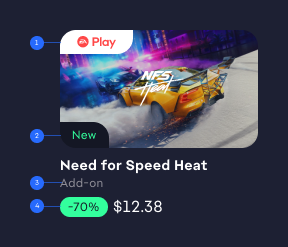
A game tile consists of multiple components. Since we want to use utilize the current design system and create minimal change, the components I want to leverage are:

  • Secondary badge
  • Secondary text
  • Label
Image of existing design patters Image of existing components
r

Design Considerations

Information Hierarchy

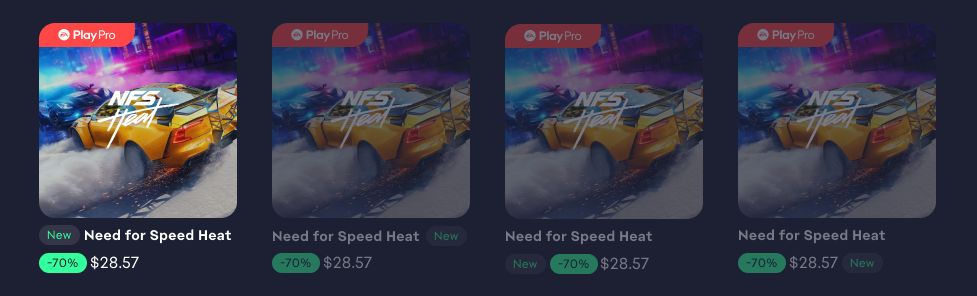
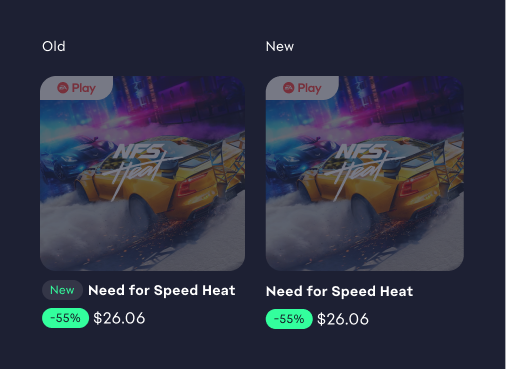
Through some exploring, we decided that the best fit was having the 'New' label placed in front of the game title because it provided separation between the other labels and a clear hierarchy.

Image of order information

Visual Hierarchy

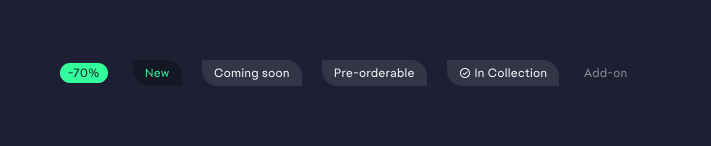
Due to sales being the main driver of revenue, the discount state (on the very left) leads in the visual hierarchy, followed by the 'New' state, which is a key motivator for players.

Image of design order

Design Priority

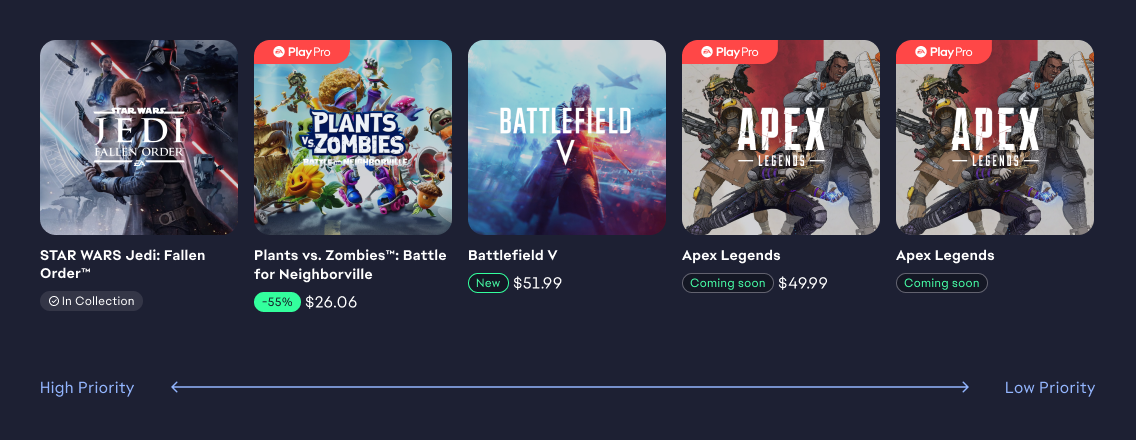
Each state takes a different priority from the other. When states are in conflicting situations, the labels on the left take higher priority.

Image of final changes

Design Revisions

First Draft

It was agreed upon that this design could be pursued further because the separation between the badges and labels helped create a stronger visual hierarchy.

However, one issue that we encountered is the visual noise produced by the 4 different labels within the add-on tile.

Image of first draft Image of first draft in detail

Narrowing the Design Space

How can we minimize the design of the add-on tile?

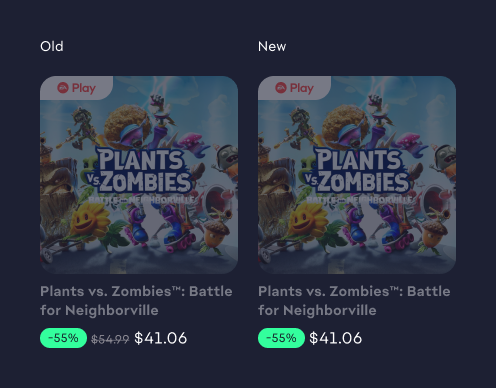
First design change

Remove strike-through price.

Second design change

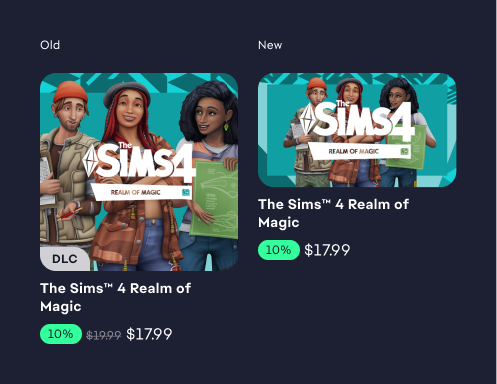
Remove Add-on(ex.DLC) labels and differentiate them through shorter shape and tile size.

Third design change

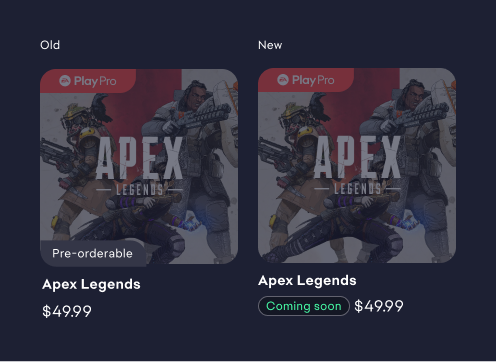
Replace pre-orderable with coming soon.

Fourth design change

Create a system and hierarchy where only one game state appears at a time.

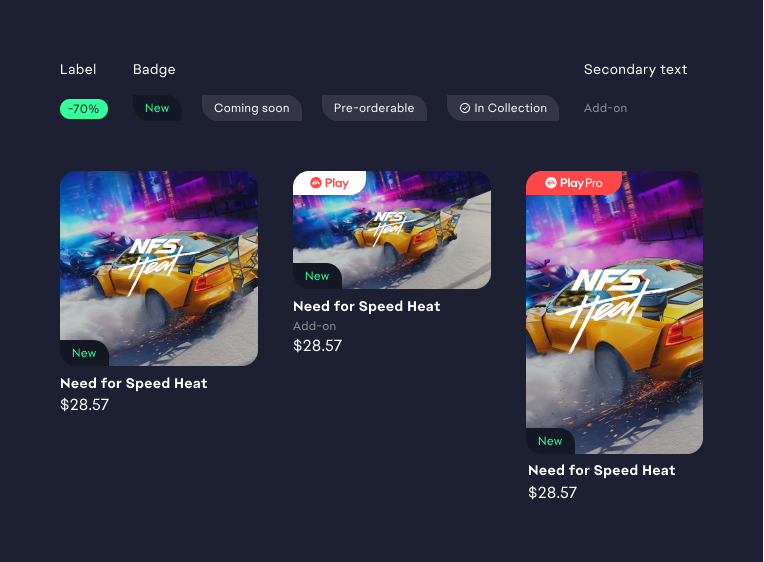
Game States Final Design

Problem Brief

Currently, game titles are presented at the same level of importance/hierarchy. This creates a design opportunity to draw increased attention to specific titles in a discovery setting that occupies a desirable or contextually useful status for the user.

What is a game state?

A certain stage within the life cycle of a game product. The game state that we have designed are split into two groups.

Success criteria

  • ✔ Users can clearly distinguish tiles with states and those without
  • ✔ Users can differentiate between game tiles and add-ons
  • ✔ Complexity is reduced within the game tile system
  • ✔ Existing design components was leveraged

Final Polish

User Journey: Sam uses the app to discover new games.

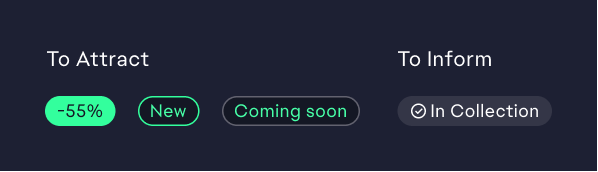
To Attract

Existing Game

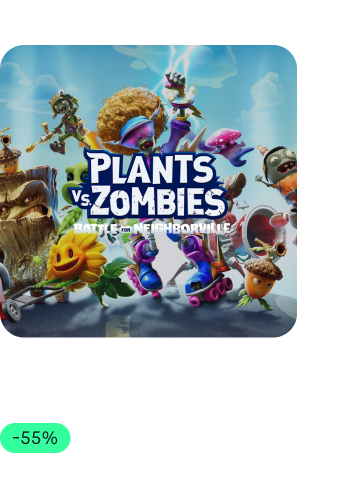
Sam enters the EA app during the holiday season and immediately notices the discounted label on a few games.

New Game

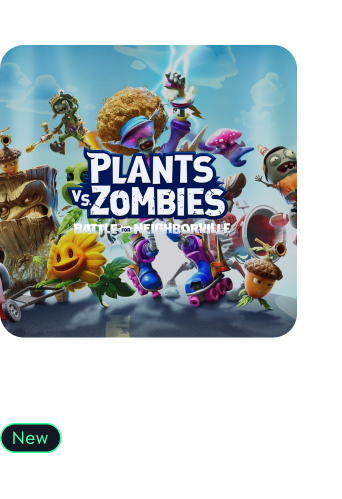
He then sees the 'New' label that is indicated on recently released games.

Unreleased Game

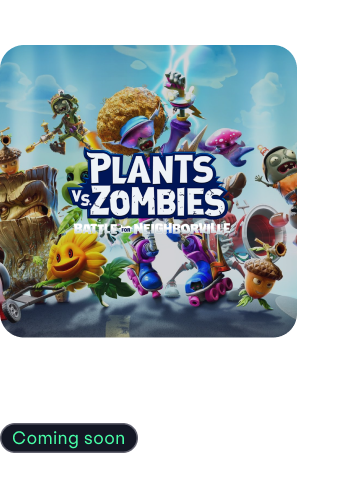
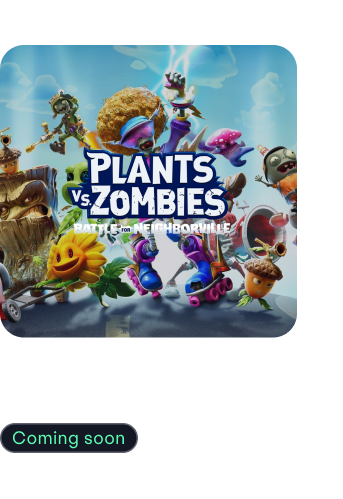
Sam also notices two other states: Coming soon and Pre-orderable.

Sam can pre-order games that have a 'Coming soon' label followed by a price.

Goals of game state:

To Inform

Purchased Game

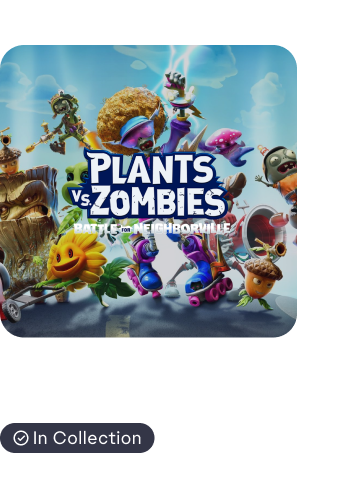
Once Sam has purchased a game, an 'In Collection' label appears under the title to signify that the game has been added to his collection and is ready to be played.

Summary of Changes

Tile System Simplifications

  1. Displaying add-ons in consistent form factor and context
  2. Distinguishing games and add-ons through different tile size
  3. Removing the add-on badge
  4. Removing the original strike-through price

Success Measures

Key Performance Indicators

  • Increase of click through rate for discount or new games
  • System Usability Scale (SUS) score of more than 75
  • Increase Net Promoter Score (NPS) above 50 (scale from -100 to 100)

Reflection

Designing with constraints

With companies that have a rich design system, I learned that a large portion of starting a product feature is taking the time to understand existing patterns. Contexualizing the designs is also crucial in learning how the elements may affect a user's experience.

Communication is Key

Working from home is different from working in the office, where you can easily update your co-worker or manager about your project. I learned to provide frequent updates to my manager as well as organizing scheduled calls to learn what others are creating.

Understand your Audience

From the couple of time I have presented, I learned to spend more time understanding my audience and summarizing a few key point that they can take away from the presentation instead of dragging into more detail that they can digest.